

You need: an Unpod number on a Bridge, and a Vapi account (Settings →
Integrations access). Calls flow Unpod trunk ⇄ Vapi over SIP - Unpod routes
outbound to
sip.vapi.ai, and Vapi sends inbound to your Unpod endpoint.Part 1 - Create the trunk in Unpod
1
Open Configure → New trunk on your number
In Telephony, select your number and click Configure. On the New trunk tab,
set a Name you’ll recognise and the trunk origin endpoint: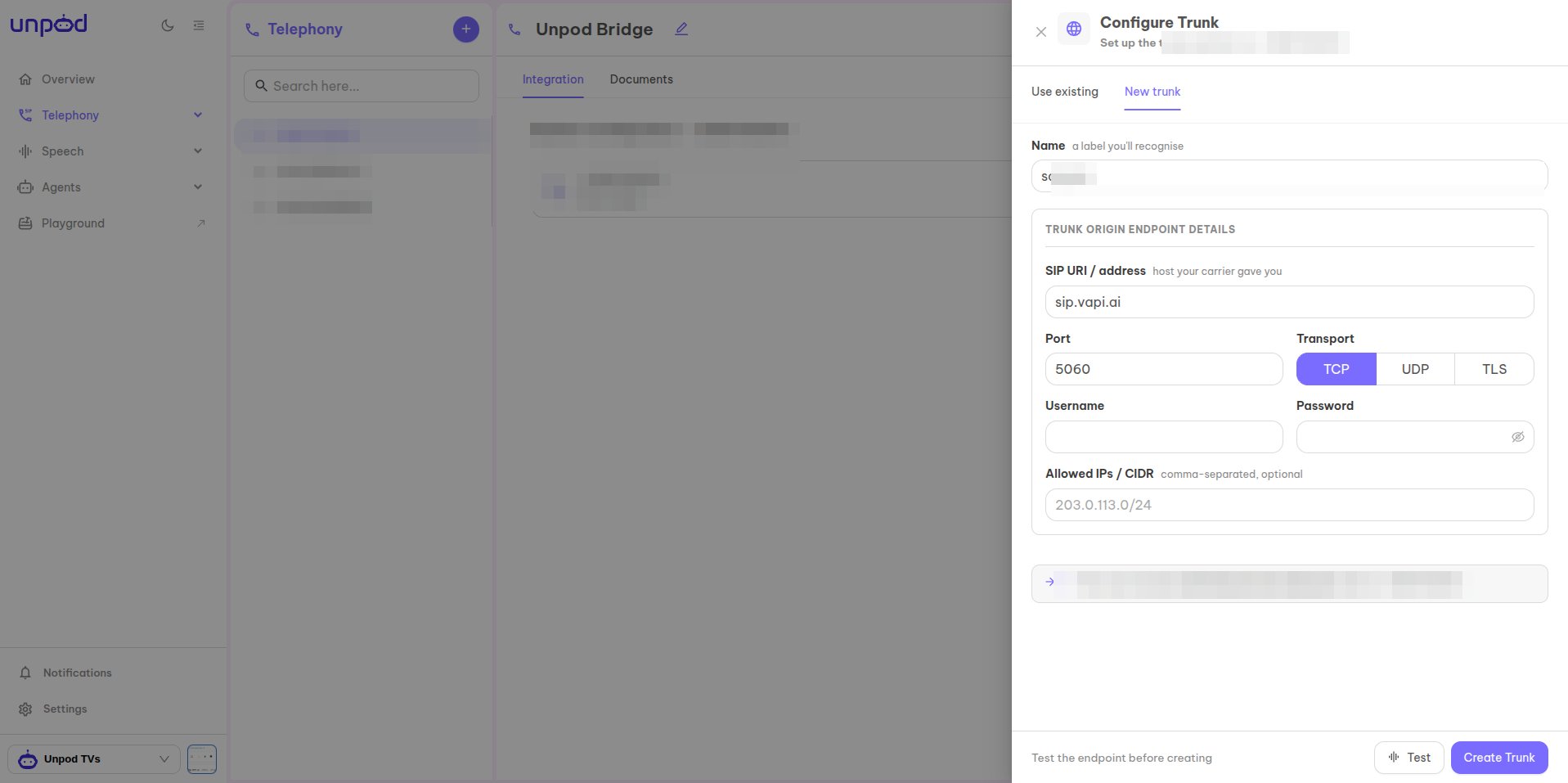
- SIP URI / address -
sip.vapi.ai(Vapi’s inbound SIP host). - Port
5060and Transport (TCP/UDP/TLS). - Allowed IPs / CIDR - optional source allow-list.
2
Copy the origin-endpoint credentials
The number now shows Linked · Vapi. Under Origin Endpoint Details copy the
values - you’ll paste them into Vapi next: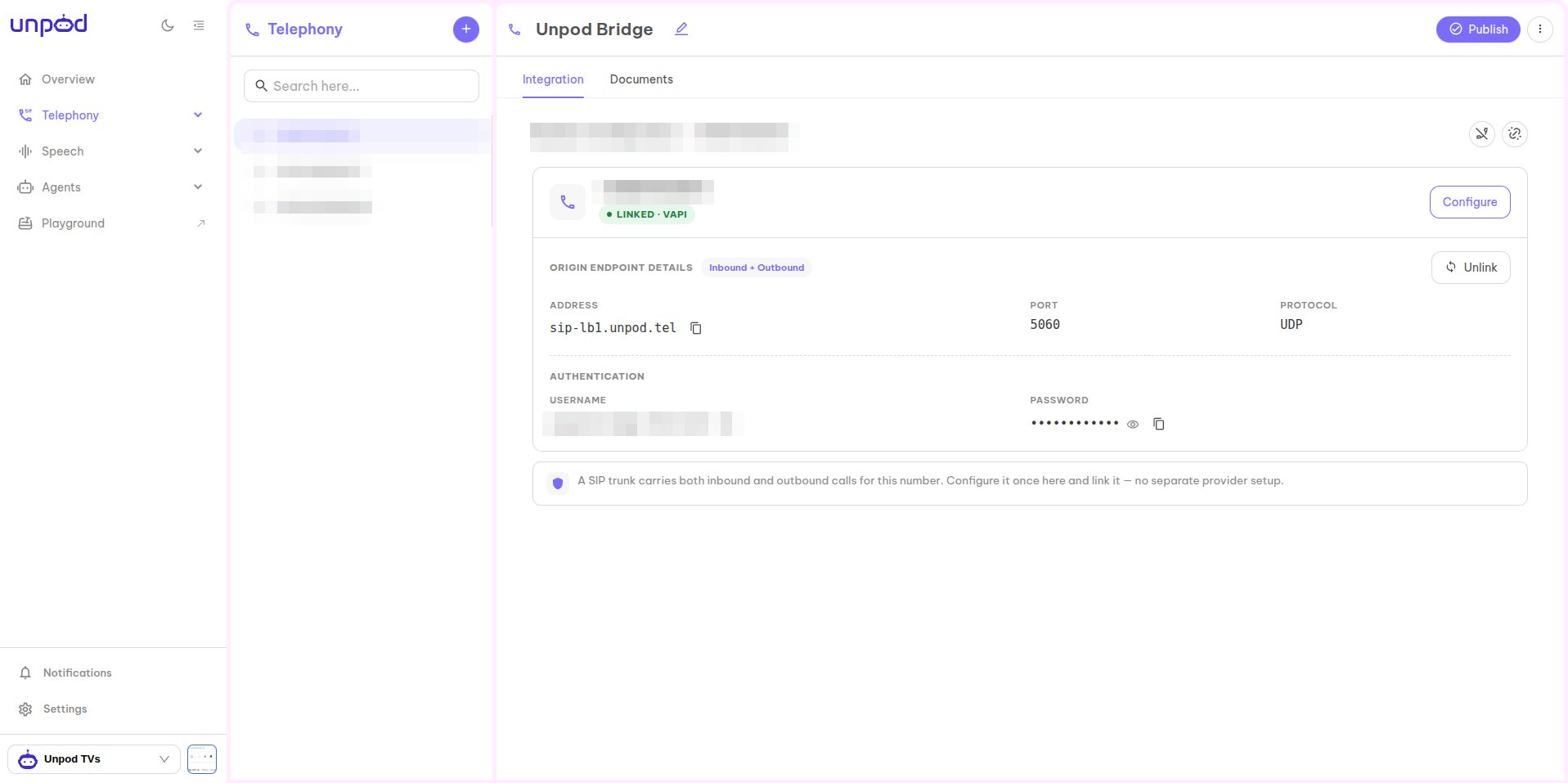
- Address - e.g.
sip-lb1.unpod.tel - Port / Protocol -
5060/UDP - Username and Password (under Authentication)
Part 2 - Register the trunk in Vapi
1
Open Integrations → SIP Trunk
In the Vapi dashboard go to Settings → Integrations, then open the SIP Trunk
provider under Phone Number Providers.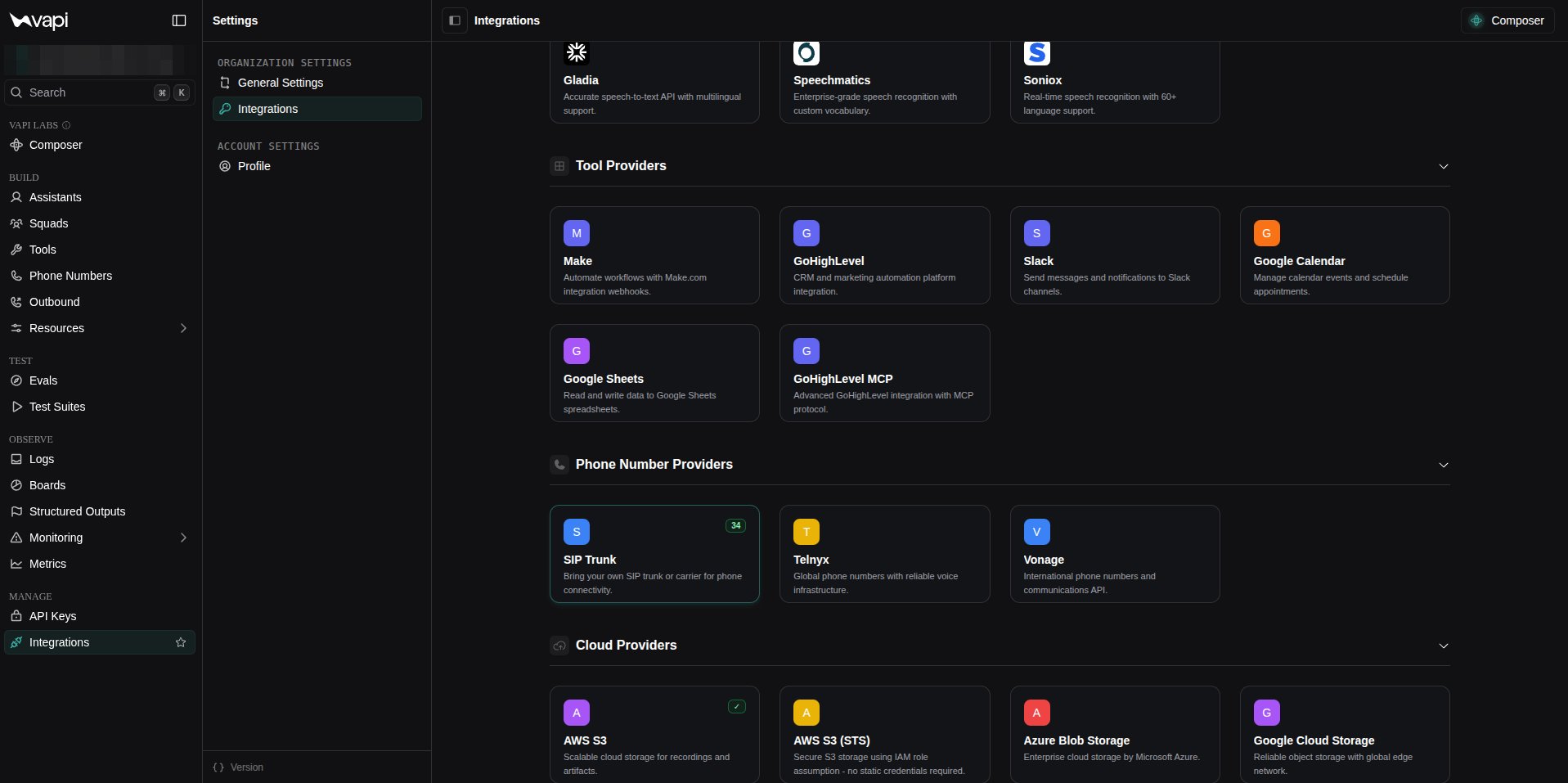
2
Configure a new SIP trunk
On the SIP Trunk page click Configure New SIP Trunk.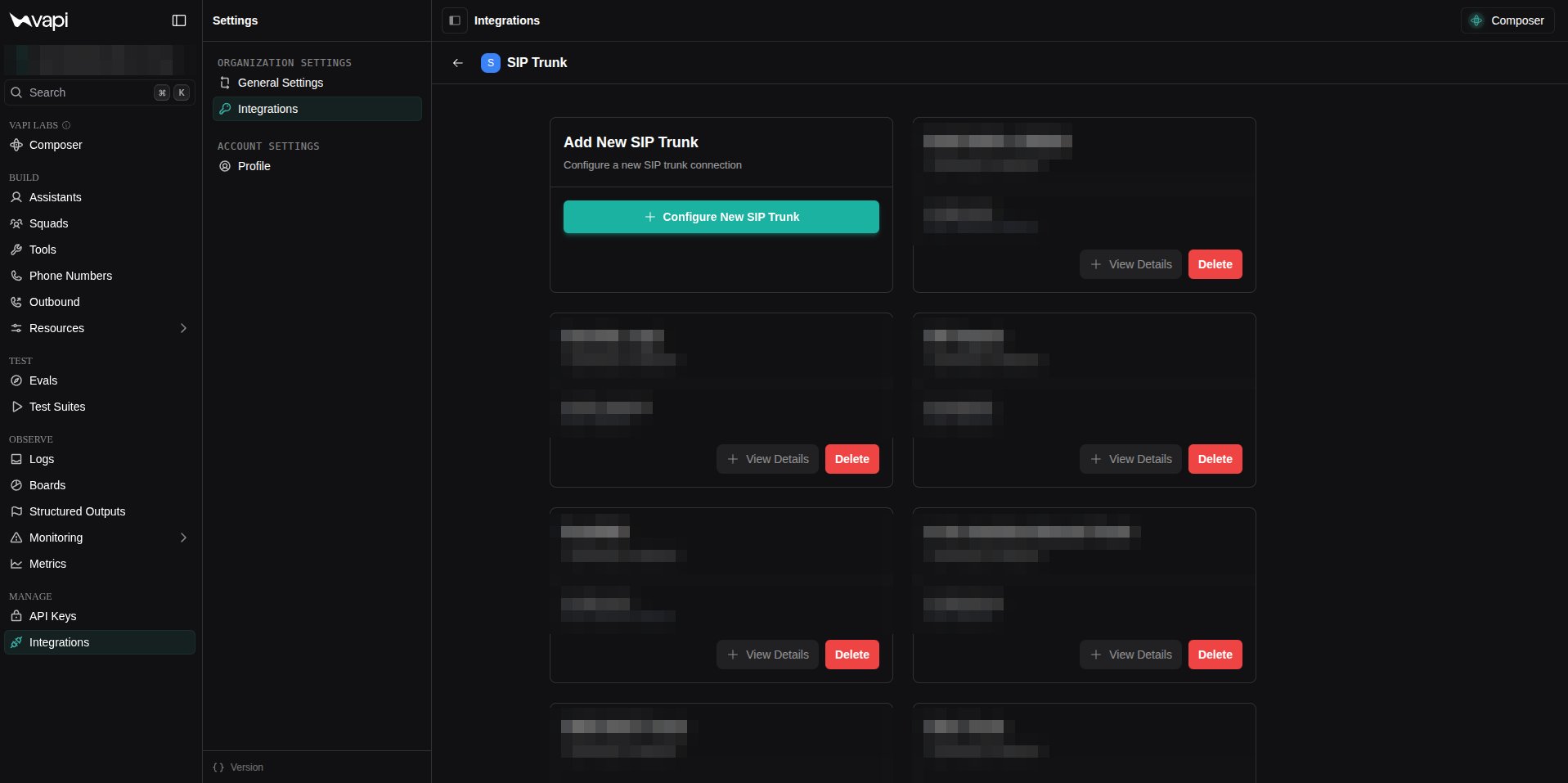
3
Add the gateway with your Unpod endpoint
Give the trunk a Name, then under Gateway #1 enter the Unpod values from Part 1: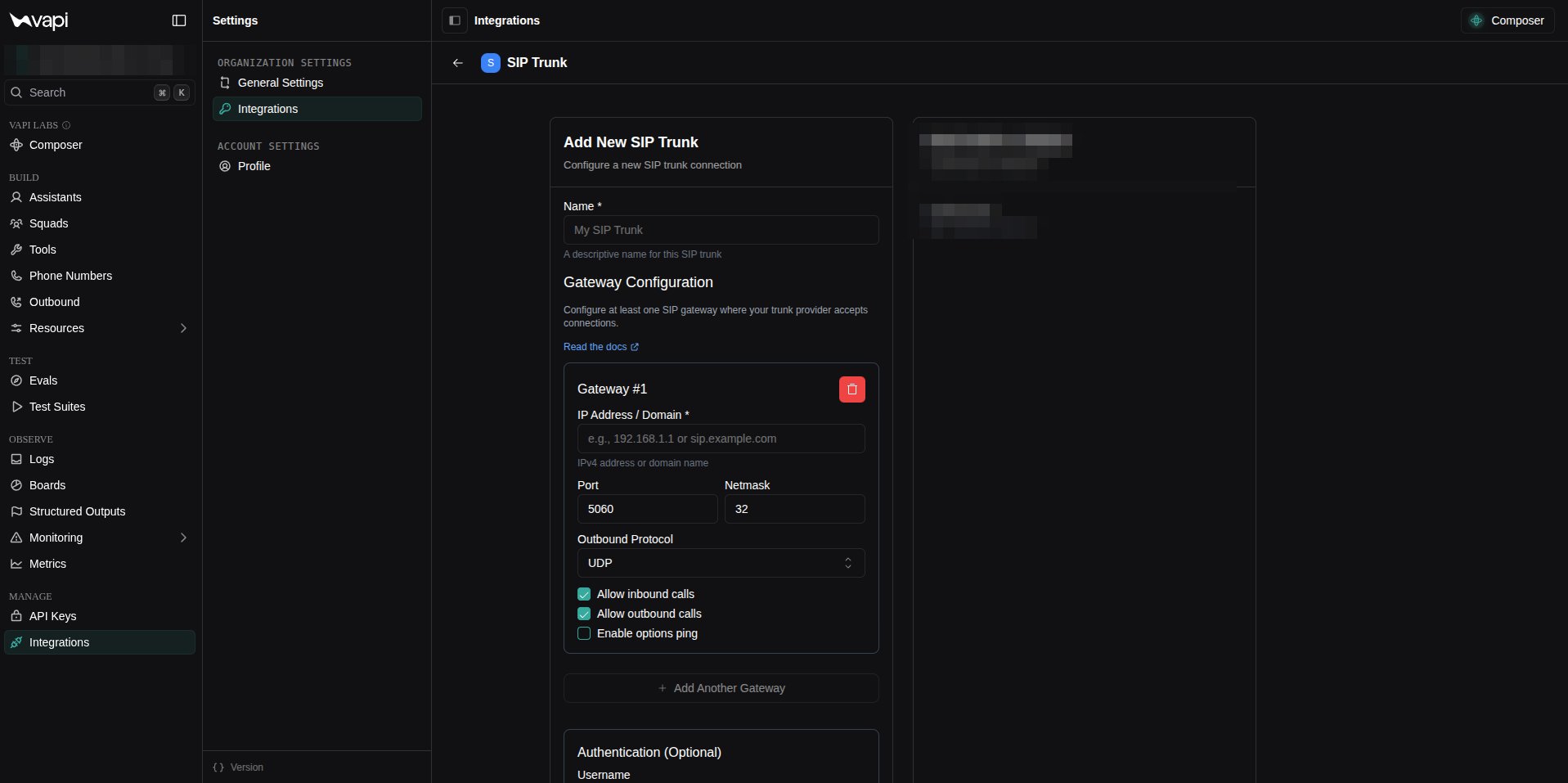
- IP Address / Domain - your Unpod address (e.g.
sip-lb1.unpod.tel). - Port
5060, Outbound ProtocolUDP. - Tick Allow inbound calls and Allow outbound calls.
- Under Authentication, paste the Username and Password.
Part 3 - Attach a number and assistant
1
Create a BYO SIP trunk number
Under Phone Numbers → Create Phone Number, pick BYO SIP Trunk Number, enter the
phone number, and select your trunk under SIP Trunk Credential.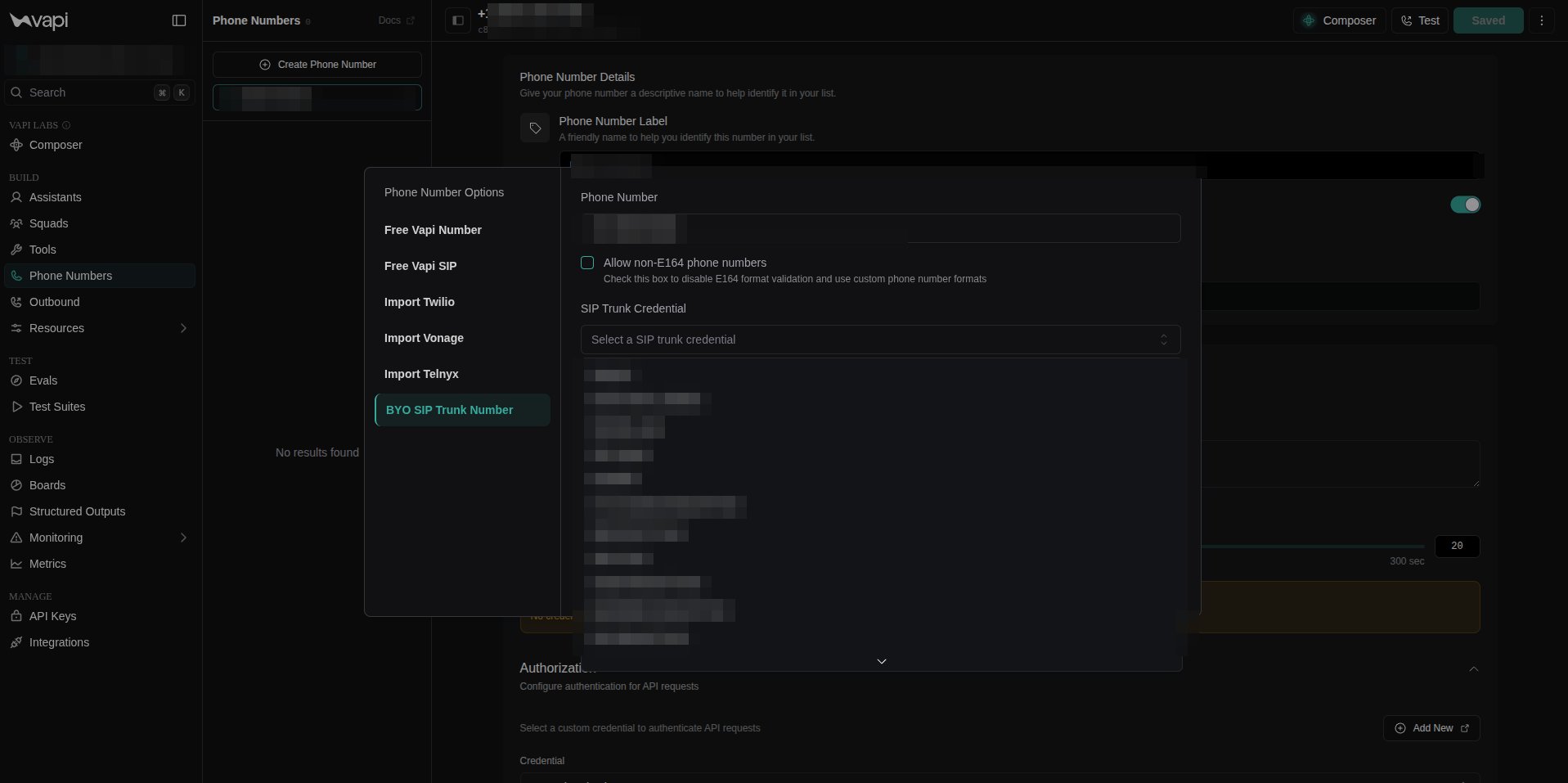
2
Assign the inbound assistant
In Inbound Settings, confirm the Inbound Phone Number and open the Assistant
dropdown.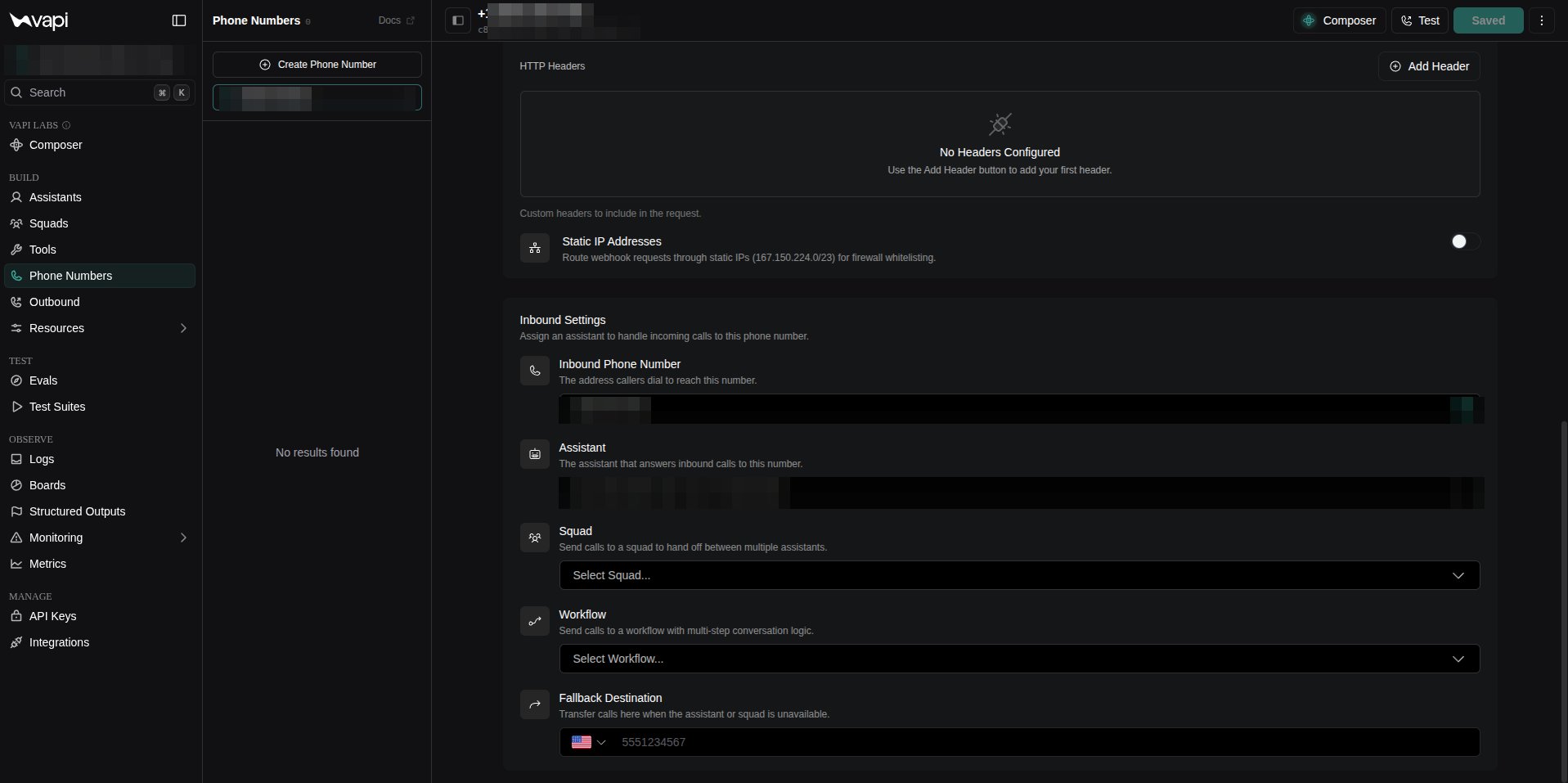
3
Pick the assistant
Choose the assistant that answers inbound calls. (Optionally route to a Squad,
Workflow, or a Fallback Destination instead.)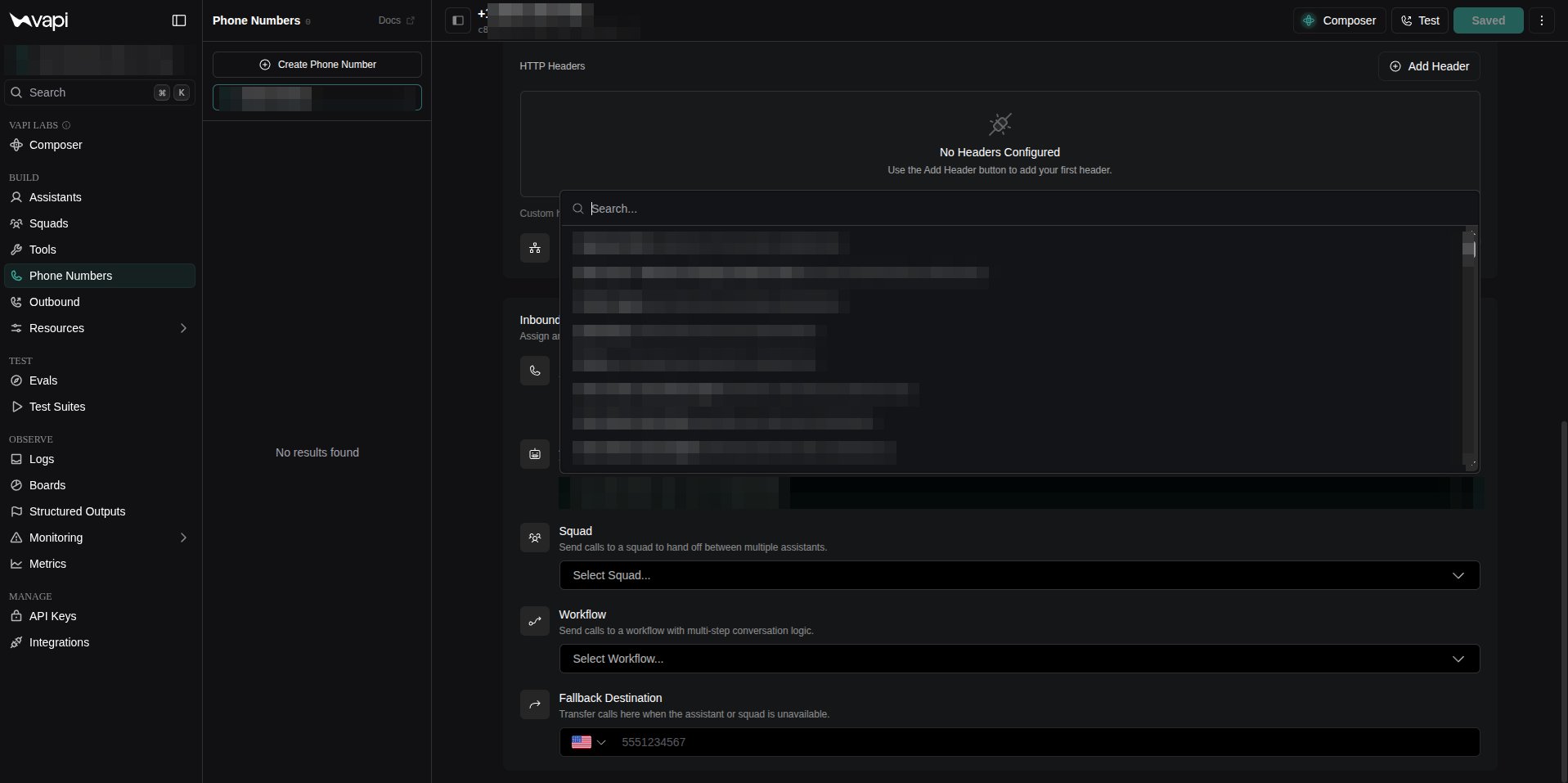
4
(Optional) Launch an outbound campaign
For outbound, go to Outbound, name the campaign, select your Unpod number, upload a
contacts CSV, pick an Assistant, then Launch campaign.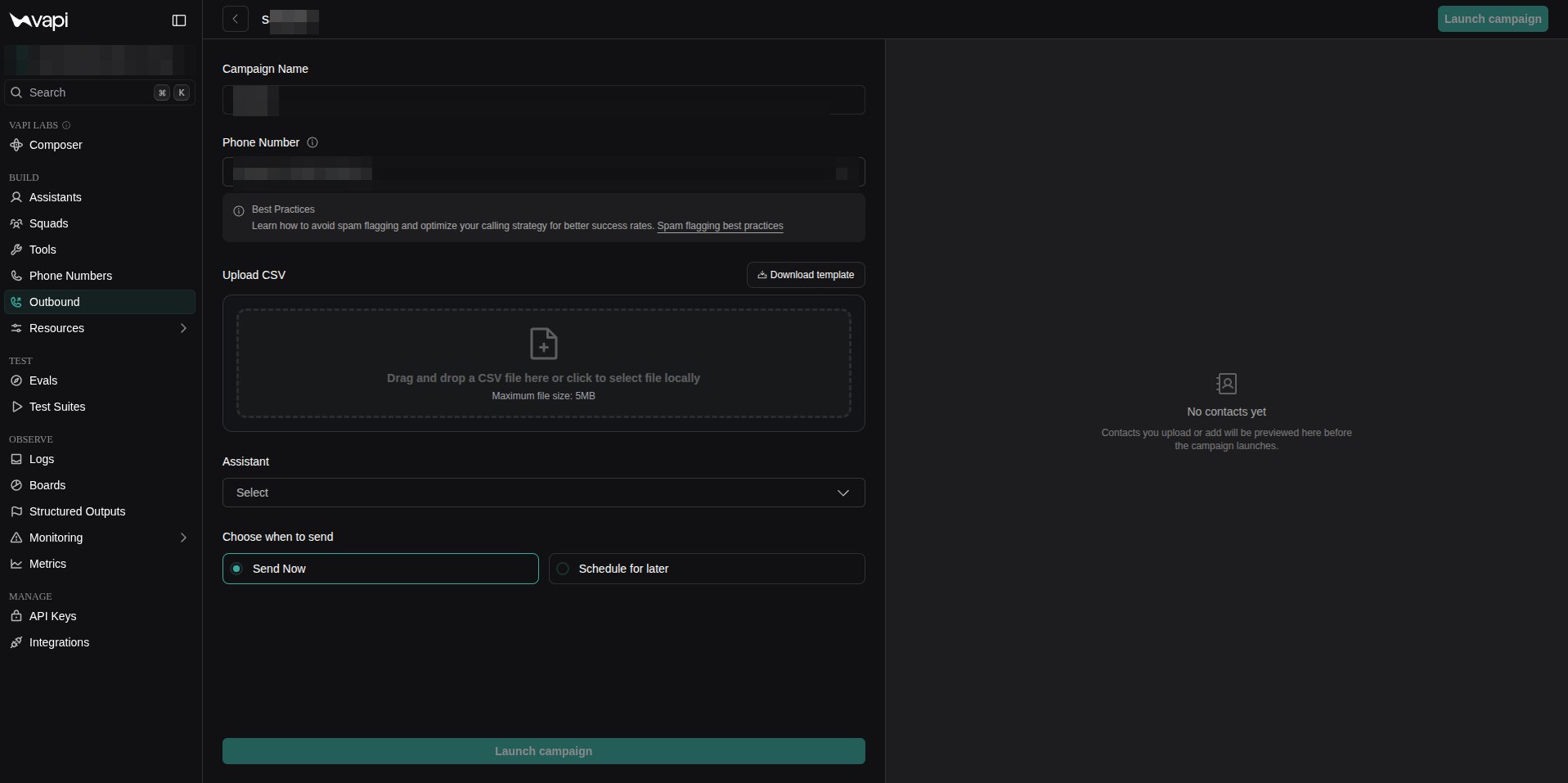
Publish
Back in the Unpod Studio, click Publish to activate the configuration. The number is then ready for inbound and outbound calls.Troubleshooting
Do it with code
Same flow over the REST API.
All platforms
Back to the integrations overview.