

You need: an Unpod number on a Bridge, and an Ultravox account with an agent
and an API key.
What you’ll collect
Part 1 - Get your Ultravox agent + API key
1
Create an agent
In the Ultravox console, open Agents and create an agent (set its system prompt
and voice). Copy its Agent ID - you’ll pass it in the call request.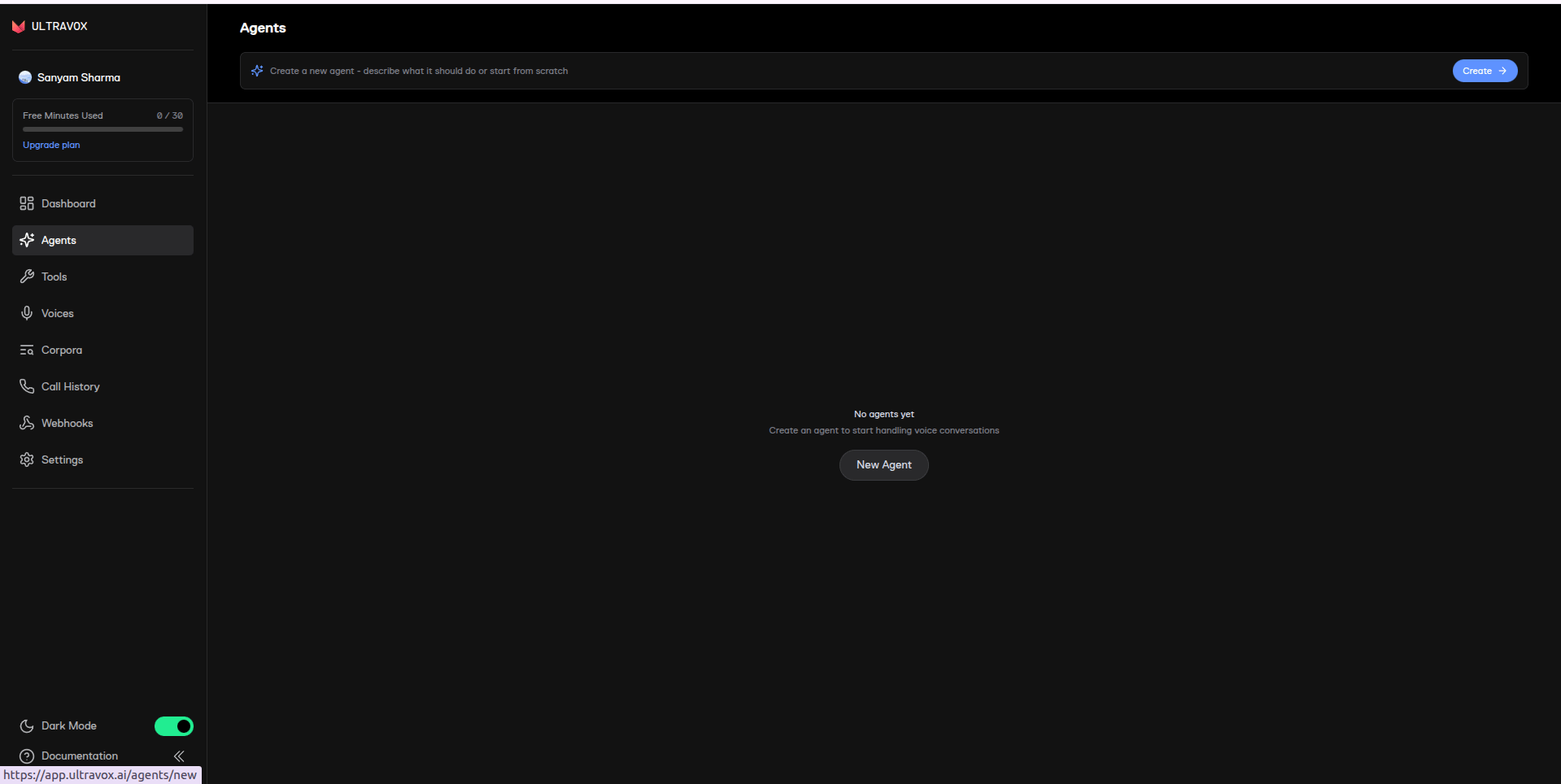
2
Generate an API key
Generate an API key in the Ultravox console and copy it.
Part 2 - Get your Unpod SIP credentials
1
Connect your number
In Telephony, select your number (shown as Not Linked) and click Connect
to set up its SIP trunk.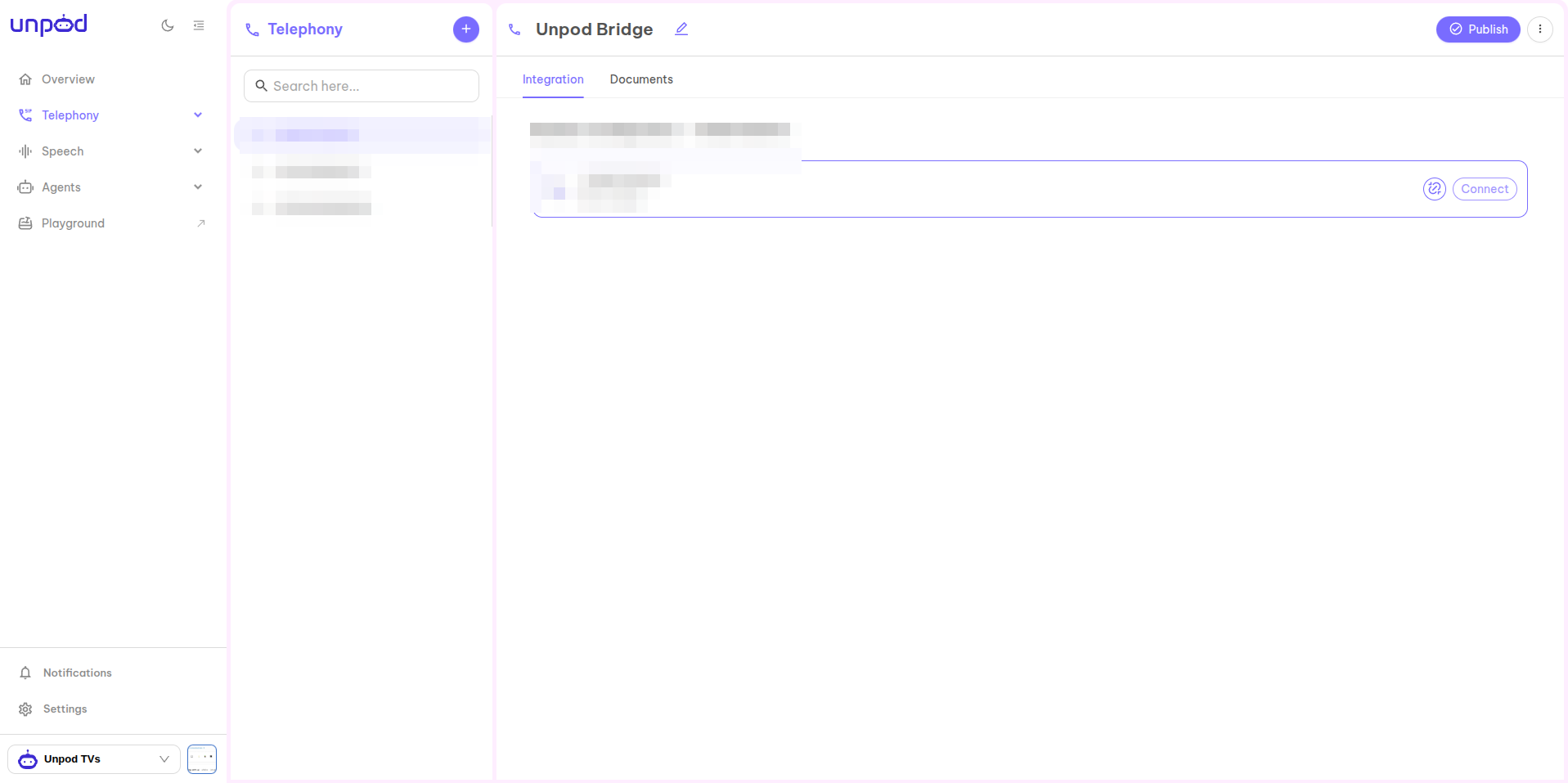
2
Copy the origin-endpoint credentials
Open the trunk panel and under Origin Endpoint Details copy: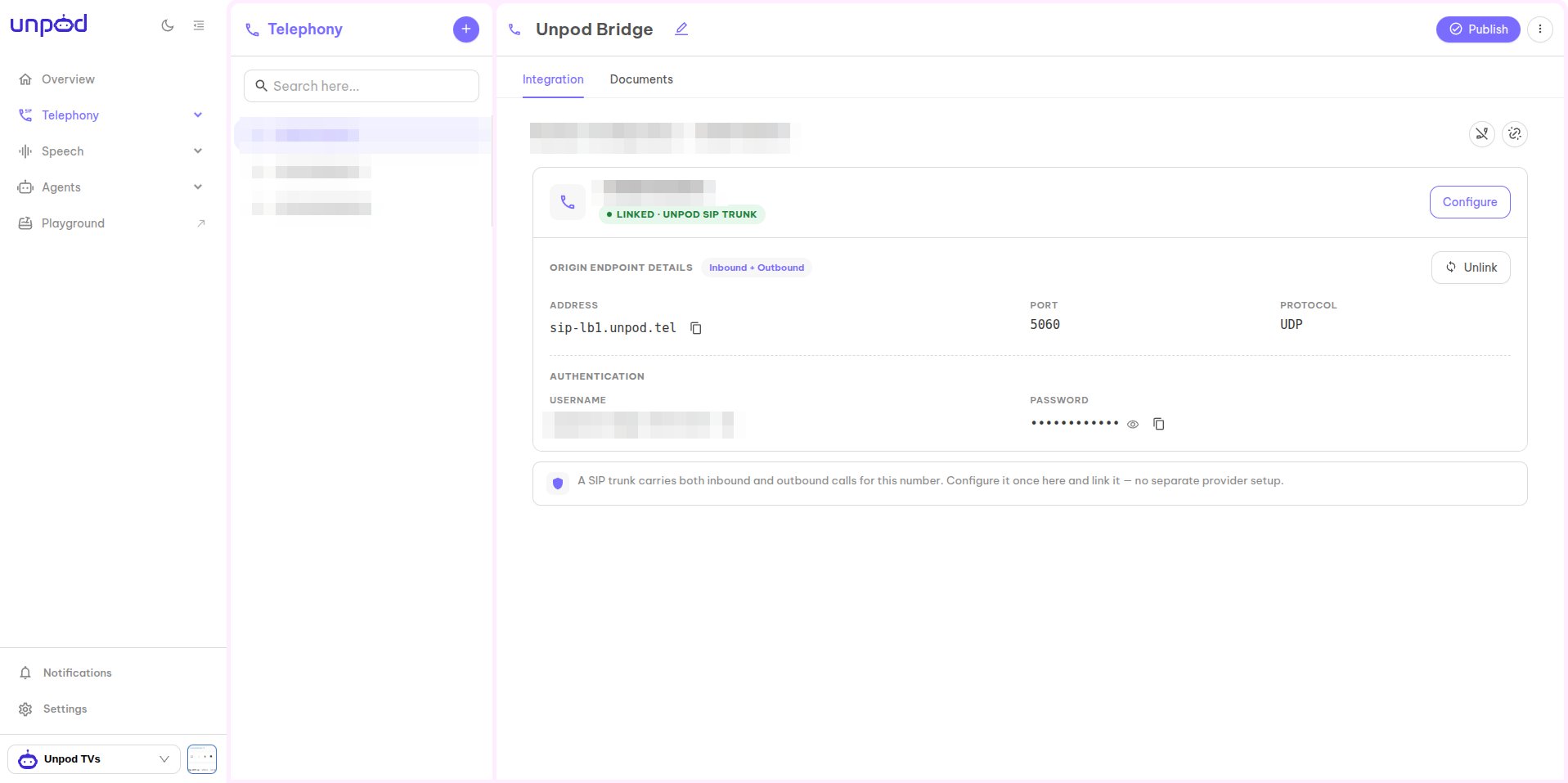
- Address - your Unpod SIP domain (e.g.
sip-lb1.unpod.tel). - Username and Password (under Authentication).
- Your phone number in E.164 (e.g.
+918071539111).
Part 3 - Place the call through Ultravox
Ultravox triggers the outbound call over your Unpod trunk. There’s no dashboard button for this - send one request to Ultravox’s Create Agent Call endpoint with the SIP details from Parts 1-2:cURL
to- destination number as a SIP URI at your Unpod domain.from- your Unpod number (caller ID).username/password- the Unpod origin-endpoint credentials.
Troubleshooting
Do it with code
Full request/response + SIP log debugging.
All platforms
Back to the integrations overview.