

1
Request access
Open unpod.ai, click Request a Call Back, fill in the
form and submit it. Your login credentials arrive by email.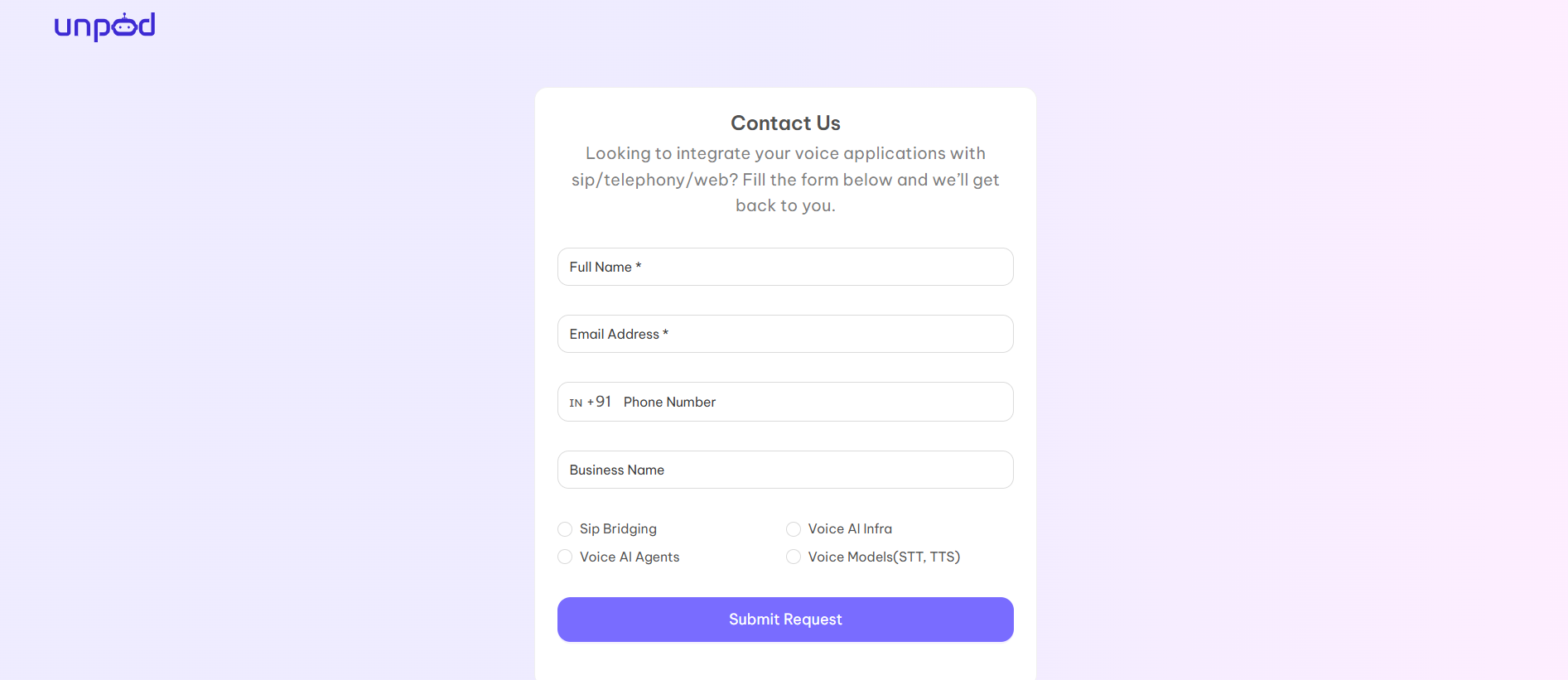
2
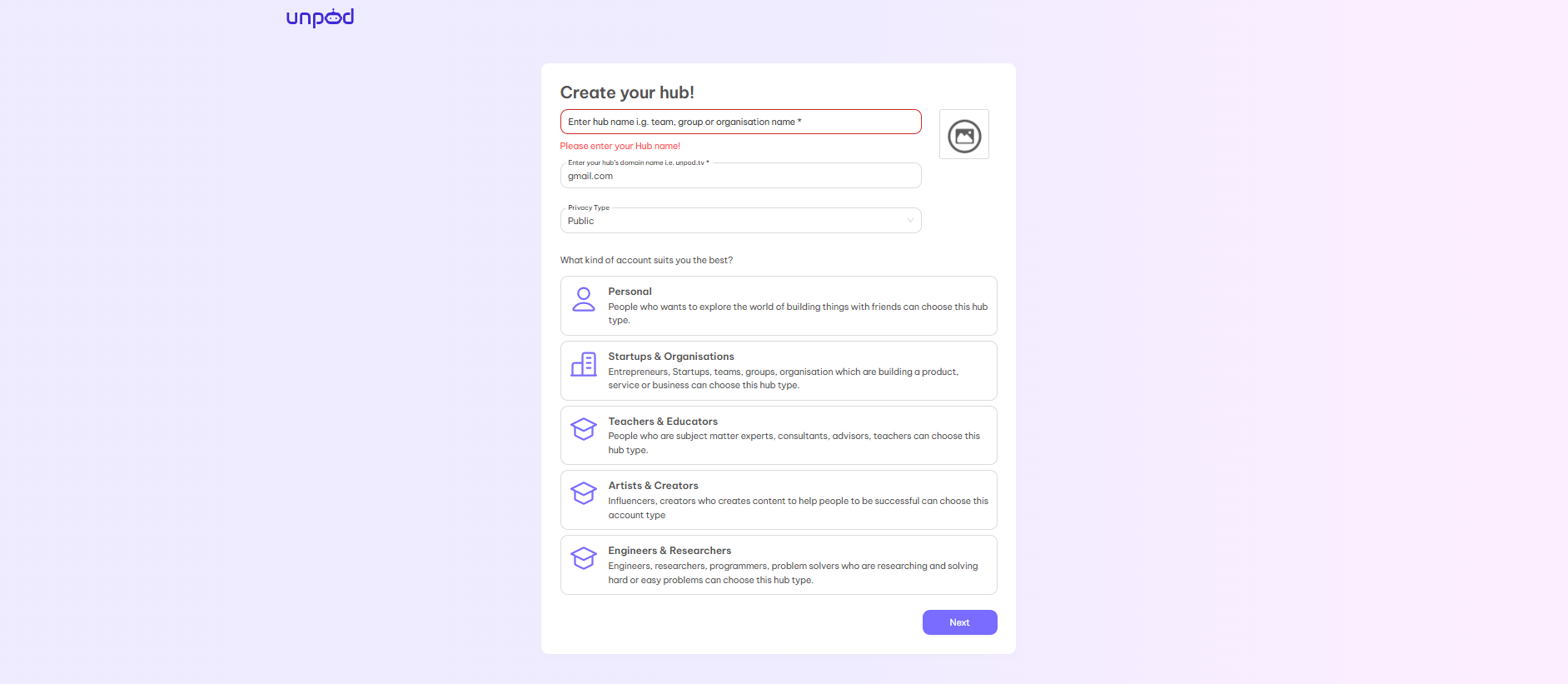
Sign in and create your hub
3
Generate an API key
- Click Settings at the bottom of the left sidebar.
- Under Access, click API keys.
- Click Generate New, then copy the key.
4
Put both in your environment
.env
import unpod loads .env from the working directory. The SDK sends them as
Authorization: Token <key> and Org-Handle: <handle>; call the REST API
directly with the same two headers.Which credential is which
Unpod’s credentials are not interchangeable:
Token auth (
UNPOD_PLATFORM_TOKEN + UNPOD_ORG_HANDLE) wins over
UNPOD_API_KEY when both are set. Analytics and telephony calls need token
auth, so use the token.
Next
Quickstart
Six SDK calls: your phone rings and an agent speaks.
Core concepts
How Unpod fits together, and every term defined once.