> ## Documentation Index
> Fetch the complete documentation index at: https://docs.unpod.ai/llms.txt
> Use this file to discover all available pages before exploring further.
# Register
> Register to get access to the Unpod.ai Dashboard
## How to Get Access to the Unpod.ai Dashboard?
### Step 1
Open [https://unpod.ai/auth/signup/](https://unpod.ai/auth/signup/)
 ### Step 2
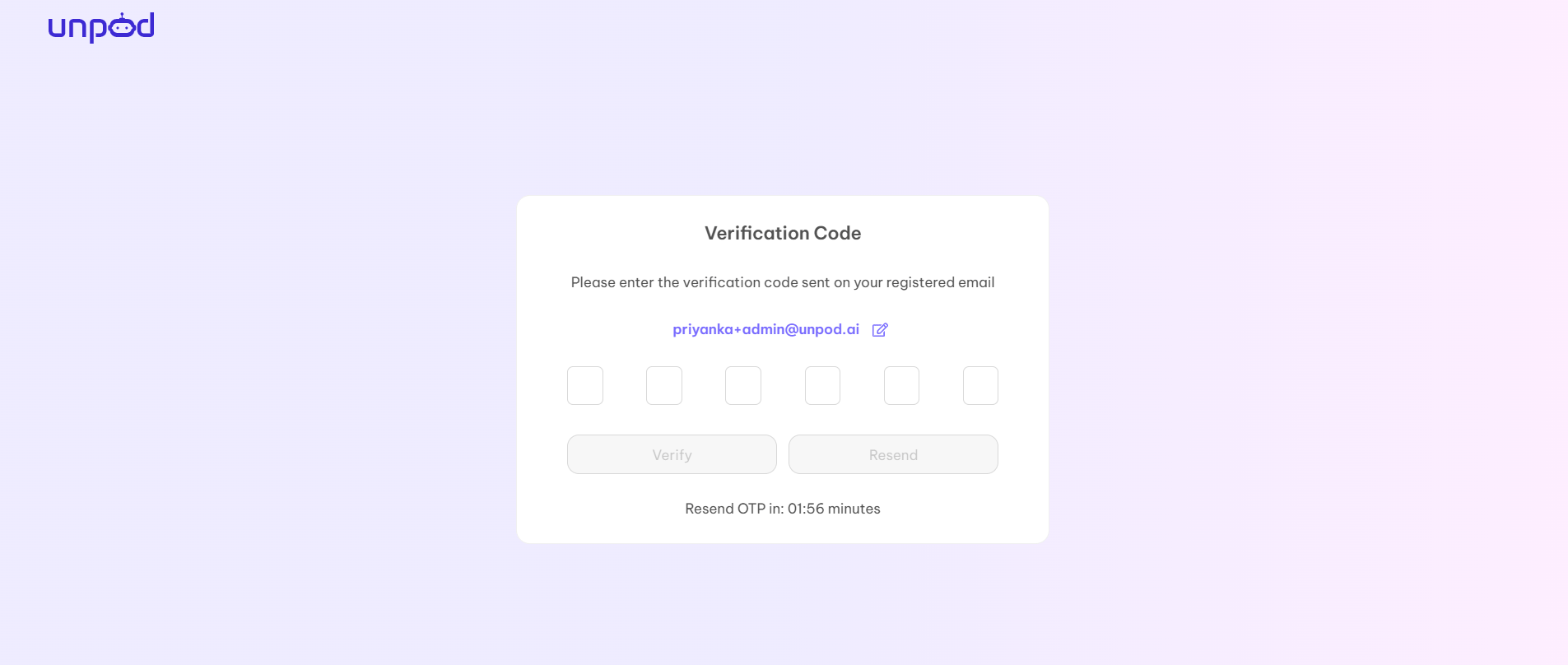
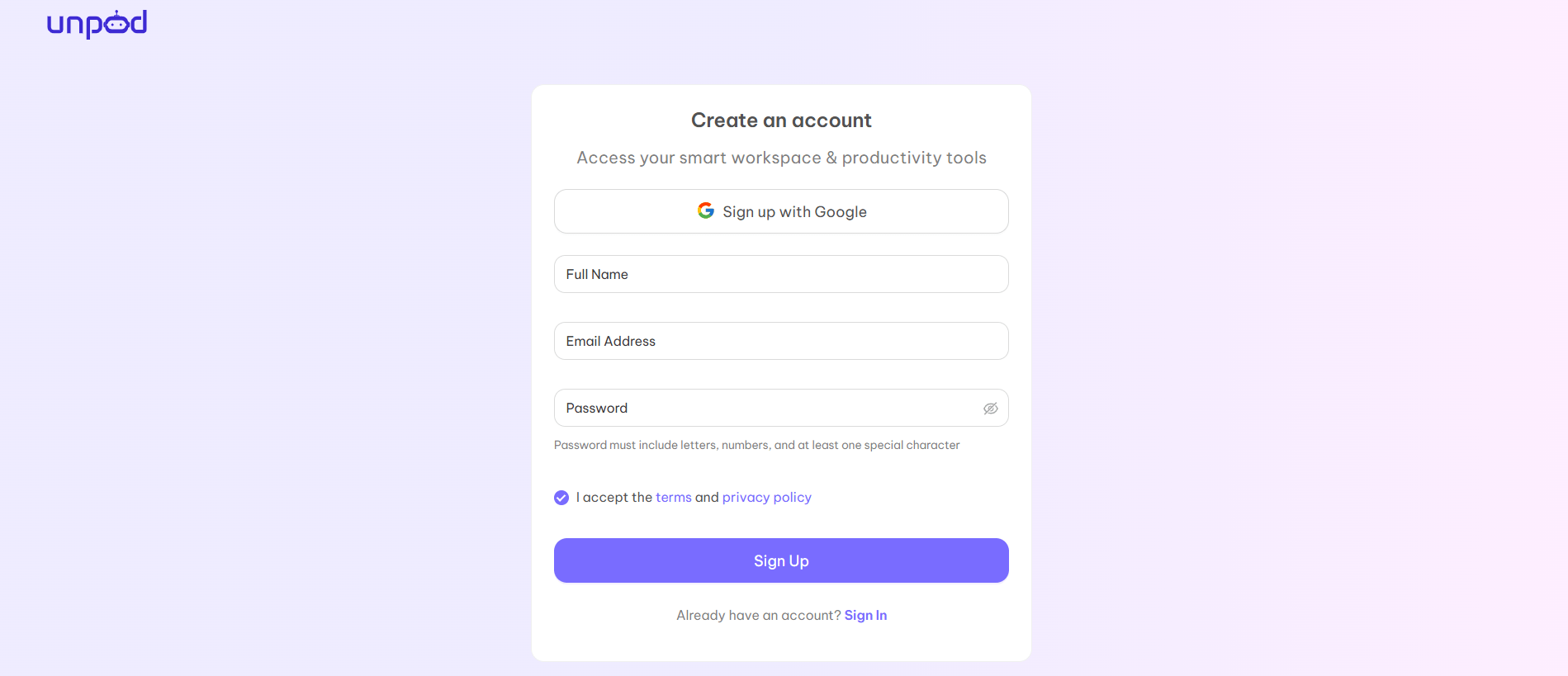
Fill in all the details of your organization manually or you can also login with the help of "Sign in with Google" with your existing gmail. After entering all the details, Click on the "Sign Up" button. You will be redirected to the OTP page and get OTP on your registered mail.
### Step 2
Fill in all the details of your organization manually or you can also login with the help of "Sign in with Google" with your existing gmail. After entering all the details, Click on the "Sign Up" button. You will be redirected to the OTP page and get OTP on your registered mail.