> ## Documentation Index
> Fetch the complete documentation index at: https://docs.unpod.ai/llms.txt
> Use this file to discover all available pages before exploring further.
# Register
> How to get access to the Dev Dashboard and set up your voice AI.
## How to Get Access to the Dev Dashboard?
#### Step 1 - Visit Unpod Dev Website
Open [https://unpod.ai/](https://unpod.ai/)
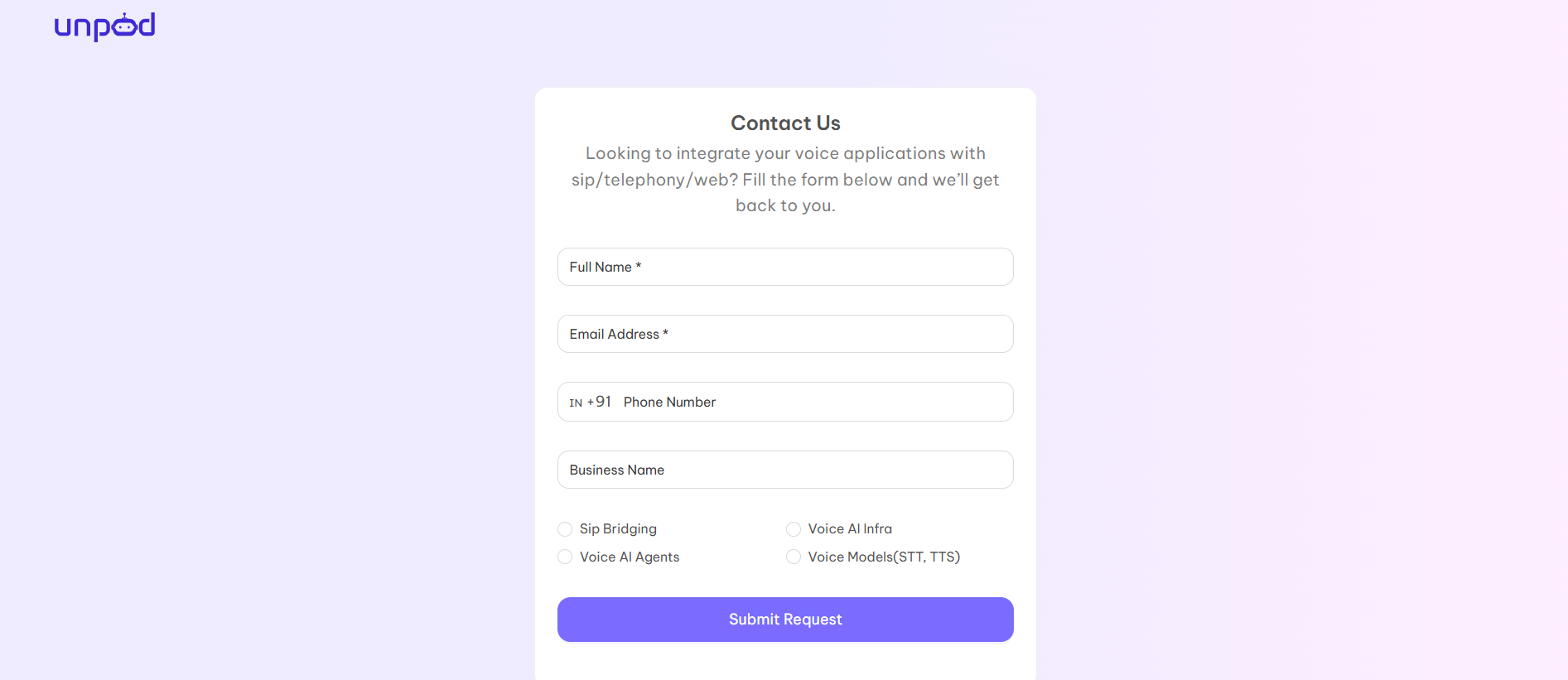
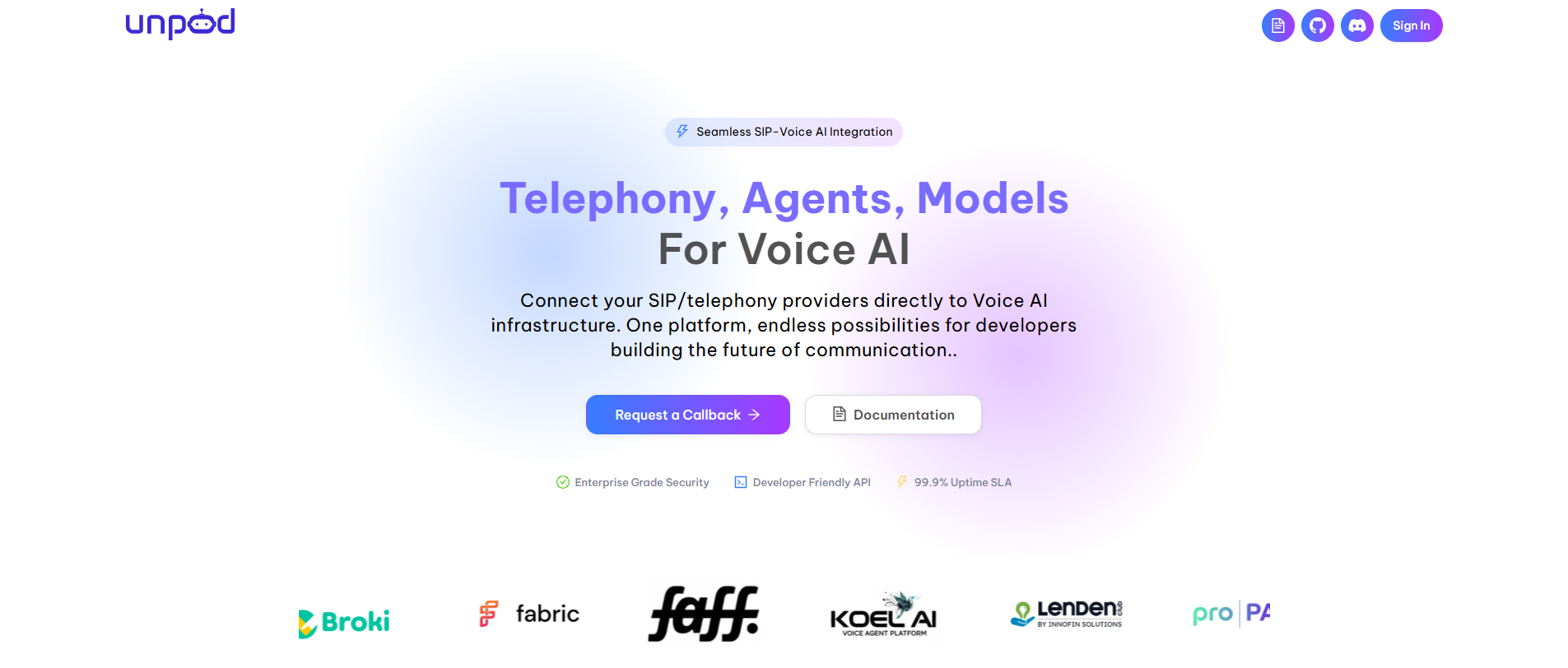 #### Step 2 - Click on Request a Call Back option.
Fill in the required fields and click on Submit.
#### Step 2 - Click on Request a Call Back option.
Fill in the required fields and click on Submit.
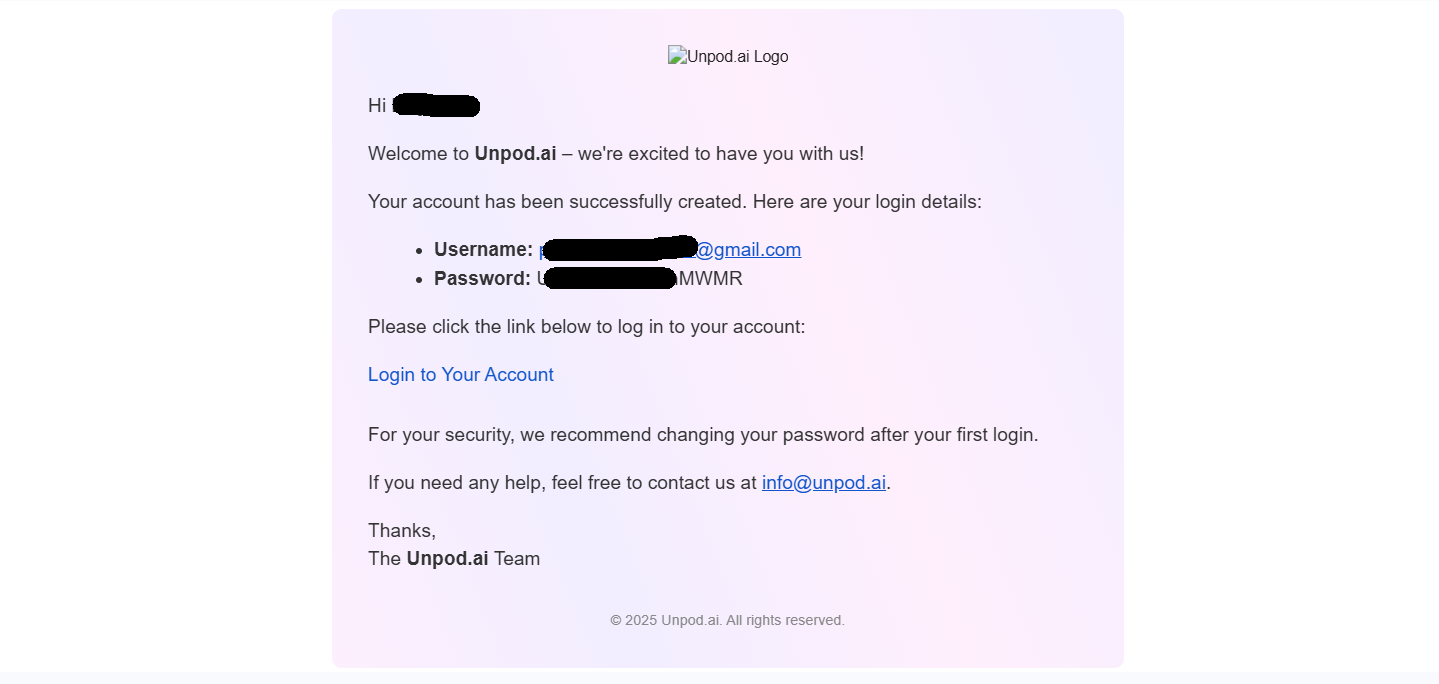
 #### Step 3 - You will get the login credentials on your E-mail.
 ***
***