> ## Documentation Index
> Fetch the complete documentation index at: https://docs.unpod.ai/llms.txt
> Use this file to discover all available pages before exploring further.
# Login
> How to login to the Dev Dashboard and set up your voice AI.
#### Step 1: Visit Unpod Dev Website
Open [https://unpod.ai/](https://unpod.ai/)
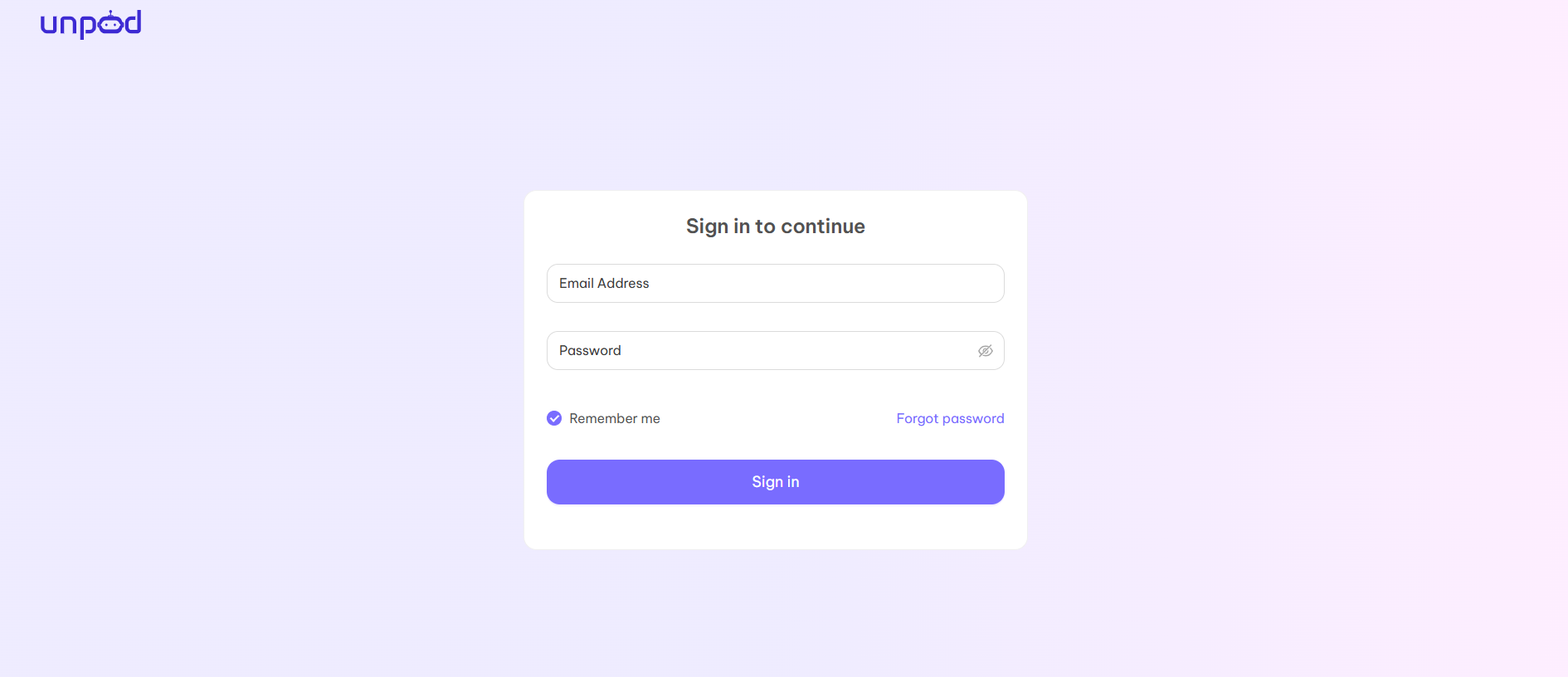
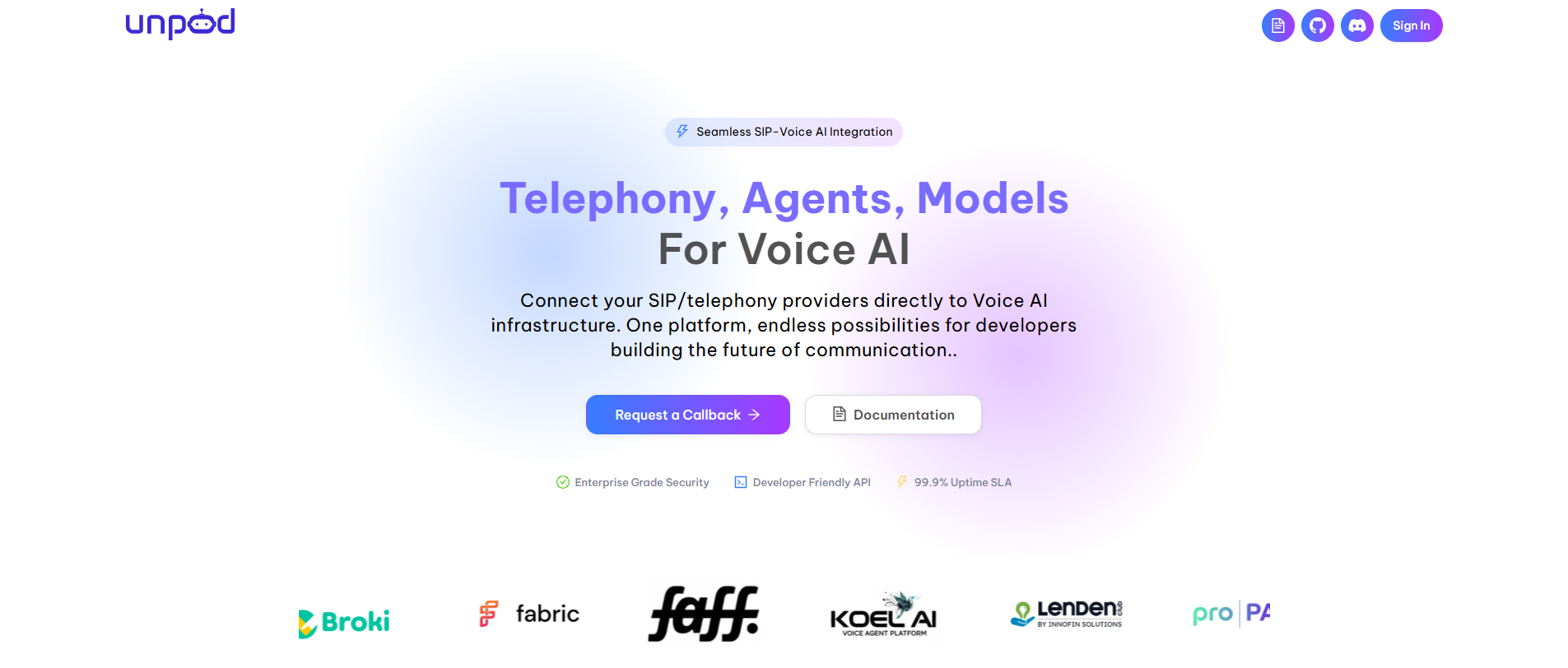 #### Step 2: Click on Sign IN option.
Now you can login on the [dashboard](https://unpod.ai) and access the dashboard completely.
#### Step 2: Click on Sign IN option.
Now you can login on the [dashboard](https://unpod.ai) and access the dashboard completely.
 #### Step 3: Complete your Profile
When you login for the first time, you will be redirected to the below page to create a hub for your organization.
#### Step 3: Complete your Profile
When you login for the first time, you will be redirected to the below page to create a hub for your organization.
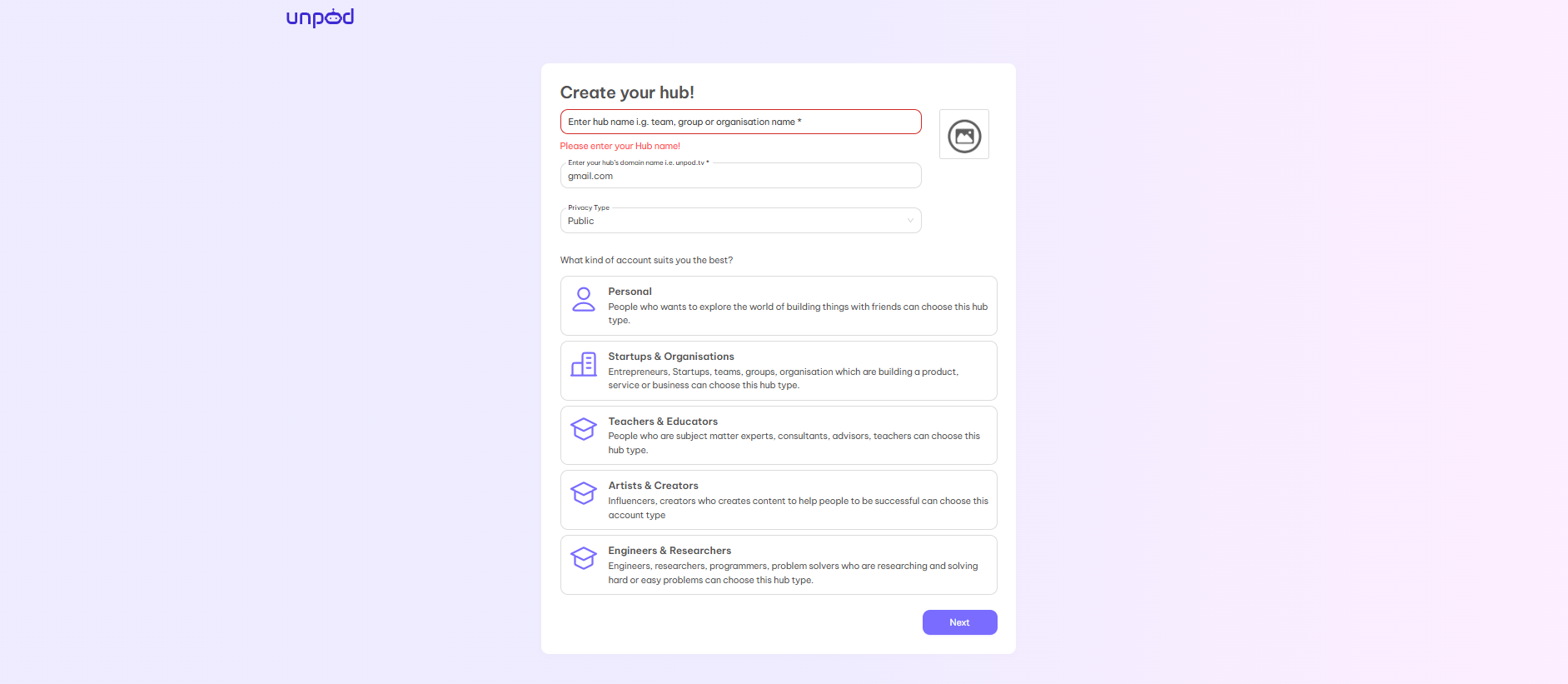 There are four necessary fields which you have to fill:
* **Enter Hub Name** - Choose the name of your organization or choose any name that best suits your requirements and organization.
* **Domain Name** - Your personal domain name just like gmail.com, yahoo.co, etc. You can choose the domain name from the mail id you are using or make the organization’s name as the domain name like maths.com, music.com, etc.
* **Privacy Type** - There are two options - **Public** and **Private**. If you choose public then your hub will be visible to everyone whereas if you choose private then your hub is only visible to people inside your domain.
* **Type of Account** - You can choose the type of account according to your requirement from the given five options:
Personal\
Startups and Organisations\
Teachers & Educators\
Artists & Creators\
Engineers and Researcher
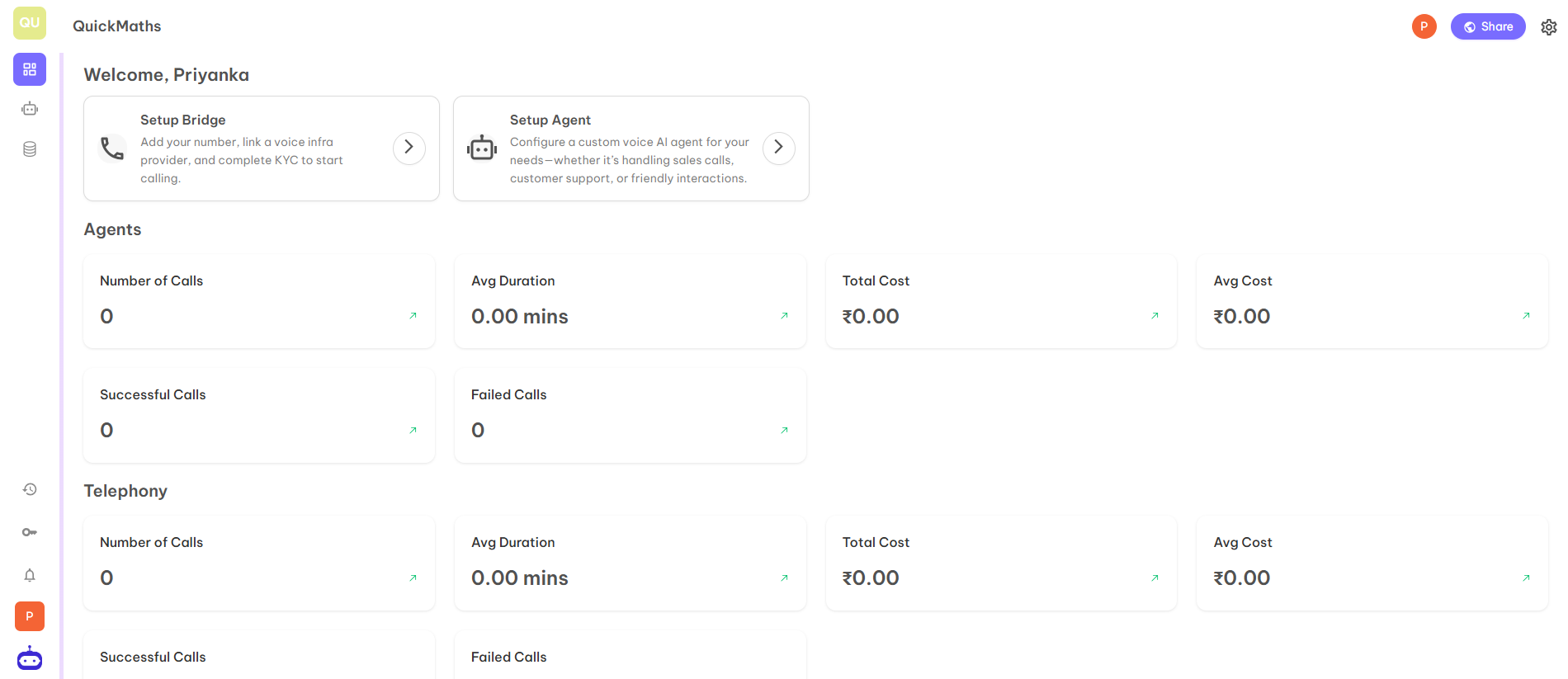
After completion of all steps, you will be redirected to your organisation’s hub.
#### Step 4: The hub will look like below
There are four necessary fields which you have to fill:
* **Enter Hub Name** - Choose the name of your organization or choose any name that best suits your requirements and organization.
* **Domain Name** - Your personal domain name just like gmail.com, yahoo.co, etc. You can choose the domain name from the mail id you are using or make the organization’s name as the domain name like maths.com, music.com, etc.
* **Privacy Type** - There are two options - **Public** and **Private**. If you choose public then your hub will be visible to everyone whereas if you choose private then your hub is only visible to people inside your domain.
* **Type of Account** - You can choose the type of account according to your requirement from the given five options:
Personal\
Startups and Organisations\
Teachers & Educators\
Artists & Creators\
Engineers and Researcher
After completion of all steps, you will be redirected to your organisation’s hub.
#### Step 4: The hub will look like below